Request vacation and absences
Employees request vacation, military service and unpaid leave straight from the time tracking. You see at once who else is already away in the same days, and approve or reject — approved absences show up in the planning by themselves.
Under Time tracking → My time your people file the request themselves: the type — vacation, military service, unpaid leave or time off in lieu —, the dates from and to, a half day if they need one, and a note. Weekends and public holidays are not counted, and the number of working days is shown while the request is being written.
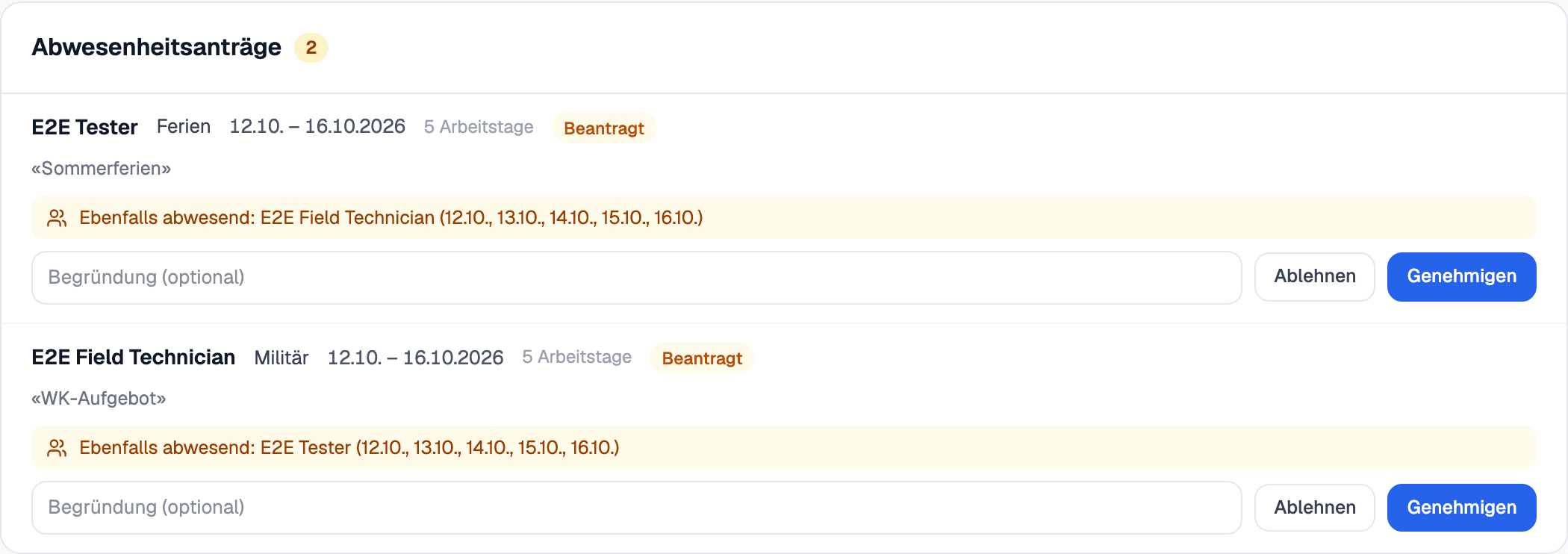
The Team tab lists every open request. Beside each one you see who is already away in the same days, which appointments and phases are affected, and whether the vacation balance would be exceeded. You approve or reject with a reason the employee gets to read — both sides are notified.
Approved absences appear in the calendar and in the planning: the person is marked away on those days, including on the phase they are assigned to. Cancelling an approved absence later applies to coming days only, and every change stays recorded.